A simple way to stay connected to the year’s
most meaningful moments overhead.
2026 Night Sky Calendar
Add it once.
Let the year unfold.
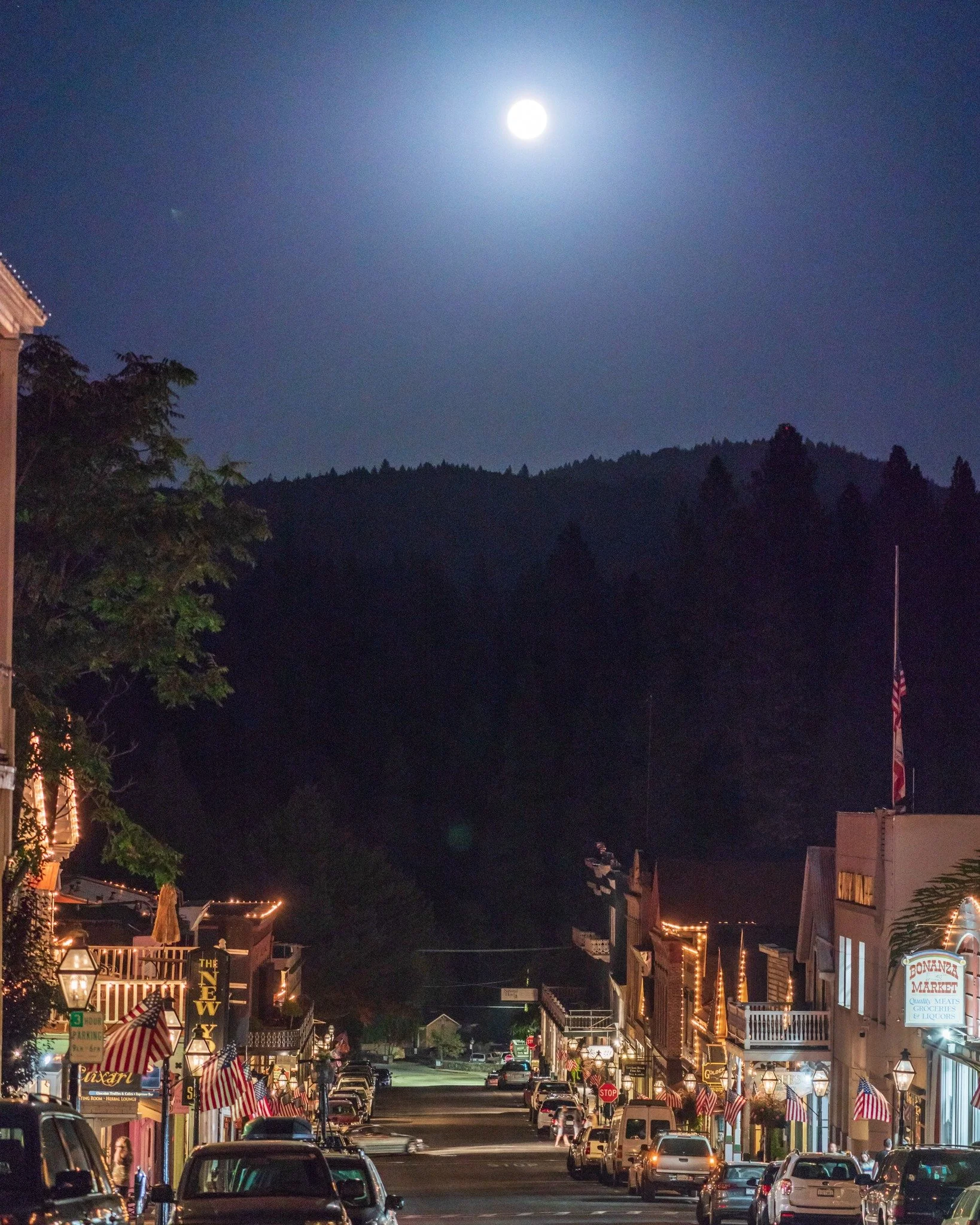
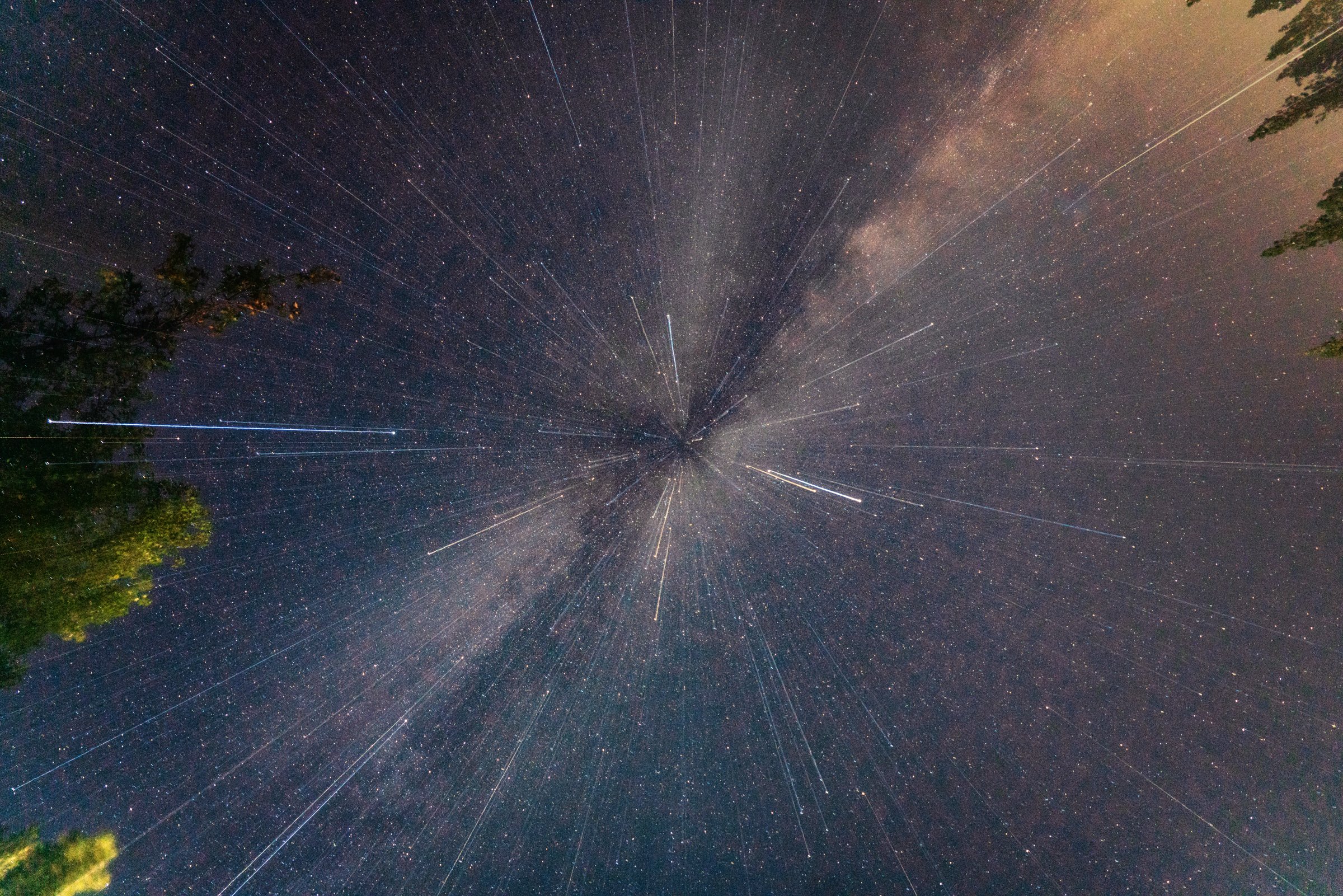
The night sky runs on its own schedule. Full moons rise, meteors streak across the dark, planets drift into alignment, and eclipses come and go whether we notice them or not.
The free 2026 Night Sky Calendar places the most notable celestial events of the year directly into your calendar, complete with reminders, so you don’t have to track dates or remember when to look up.
• Download the Sunrise / Sunset Calendar for Northern California.
• Download the 2026 Night Sky Calendar
No apps.
No subscriptions.
Just the sky, on your calendar.
What’s Included
This free calendar highlights the most significant sky events of 2026, including:
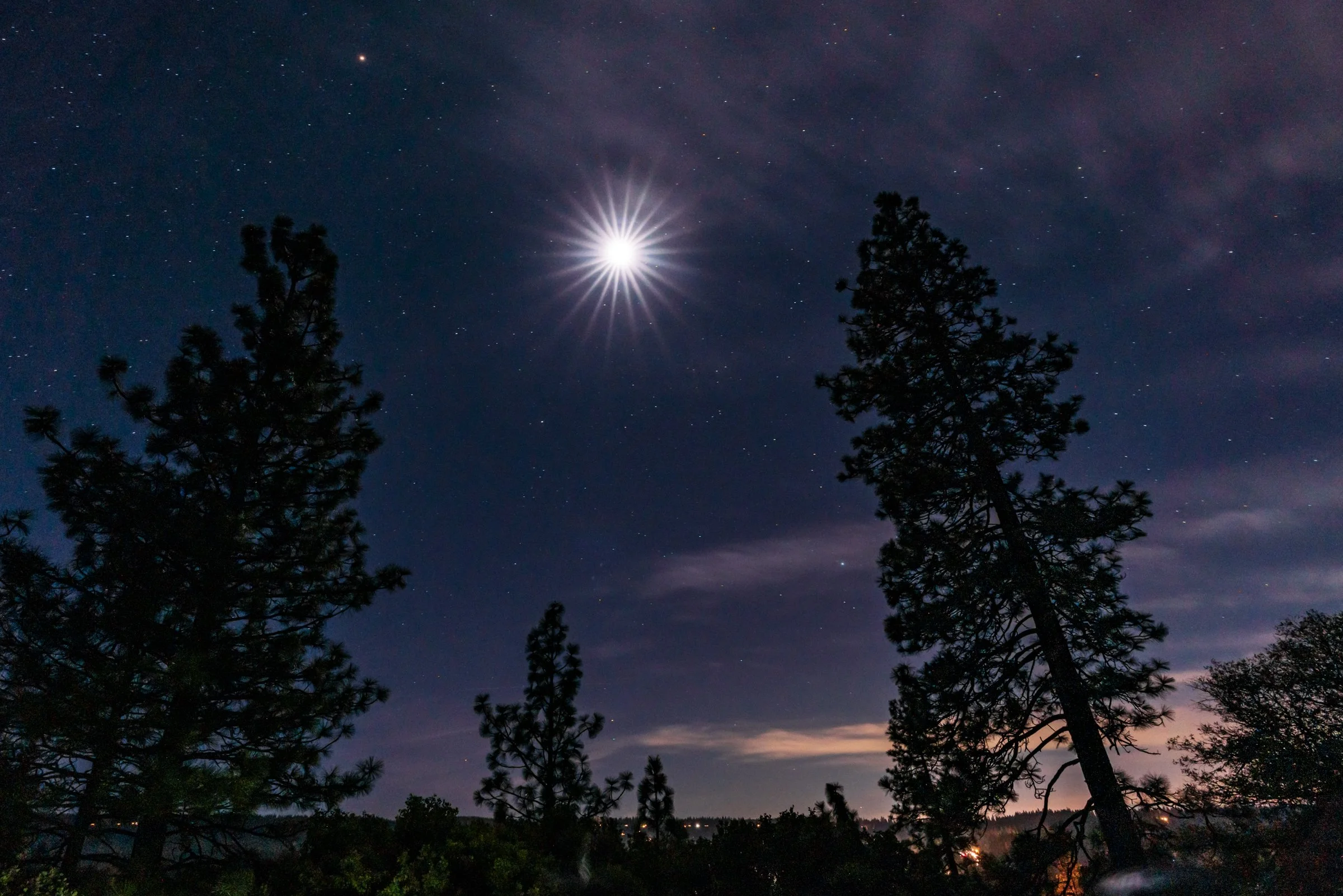
• All 13 full moons with exact local times
• Major meteor shower peaks
• Lunar and solar eclipses
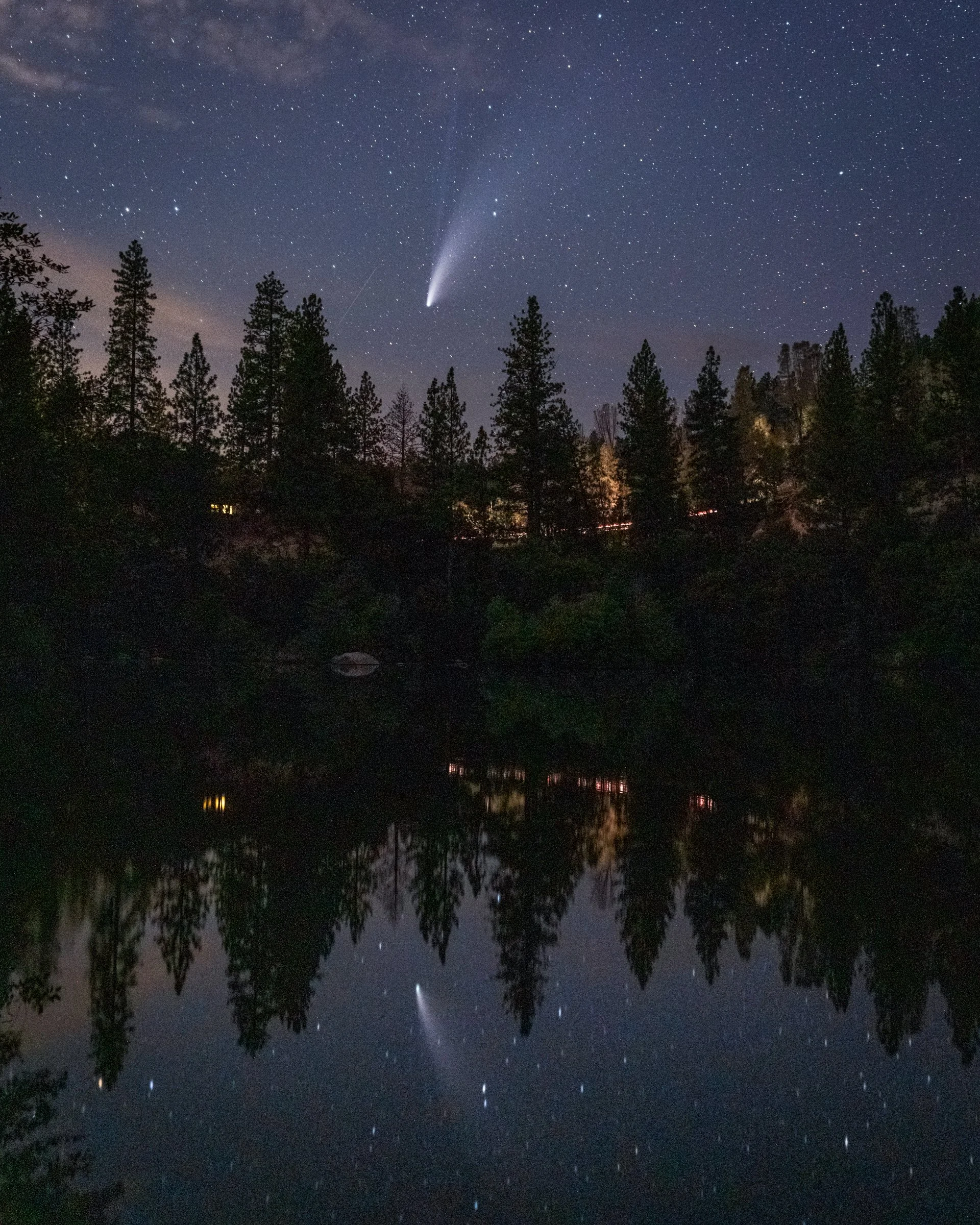
• Notable planet pairings and rare alignments
• Automatic reminders 24 hours before and 2 hours before each event
• Scheduled in Pacific Time (PST/PDT), ideal for West Coast users
How it works:
Download the calendar file, here.
Open it and add it to your calendar
Get gentle reminders when something special is happening above you
That’s it.
Download:
Add to Calendar (iPhone, Mac, Google, Outlook)
Free .ics file (no bugs, no hacks, no malware).
Note: All events are scheduled in Pacific Time (PST/PDT). Most calendar apps automatically adjust events to your local time if you’re outside the Pacific Time zone.
How to Add:
Apple Calendar (iPhone or Mac)
Download the file and open it. When prompted, tap or click Add.
Google Calendar
Download the file, then open Google Calendar.
Go to Settings → Import, upload the file, and add it to your calendar.
Frequently Asked Questions About the Night Sky Calendar
-
Yes. This is a standard .ics calendar file. It contains only event dates and reminders. No tracking, no scripts, no personal data.
-
It’s an .ics calendar file, a universal format used by Apple Calendar, Google Calendar, Outlook, and most calendar apps.
-
It works with Apple Calendar (iPhone and Mac), Google Calendar, Outlook, and most modern calendar apps.
-
No. Just add the calendar to the app you already use.
-
No. Events are spread naturally throughout the year and include reminders only when something meaningful is happening.
-
All events are scheduled in Pacific Time (PST/PDT). Most calendar apps automatically adjust times if you’re in a different time zone.
-
Yes. You can delete the calendar or individual events at any time, just like any other calendar entry.
-
No. This is a static calendar file. Nothing is tracked or collected.
-
Absolutely. Feel free to share the calendar or link with friends and family.
-
Yes. It works on iPhone, Android, tablets, and desktop computers.
-
Kial James of Northern California Scenics created this calendar for people who enjoy slowing down and paying attention to the night sky.
What to Expect in 2026
January – April
• Winter full moons
• Quadrantid & Lyrid meteor showers
• Planet pairings & Moon alignments
• Total lunar eclipse (March)
May – August
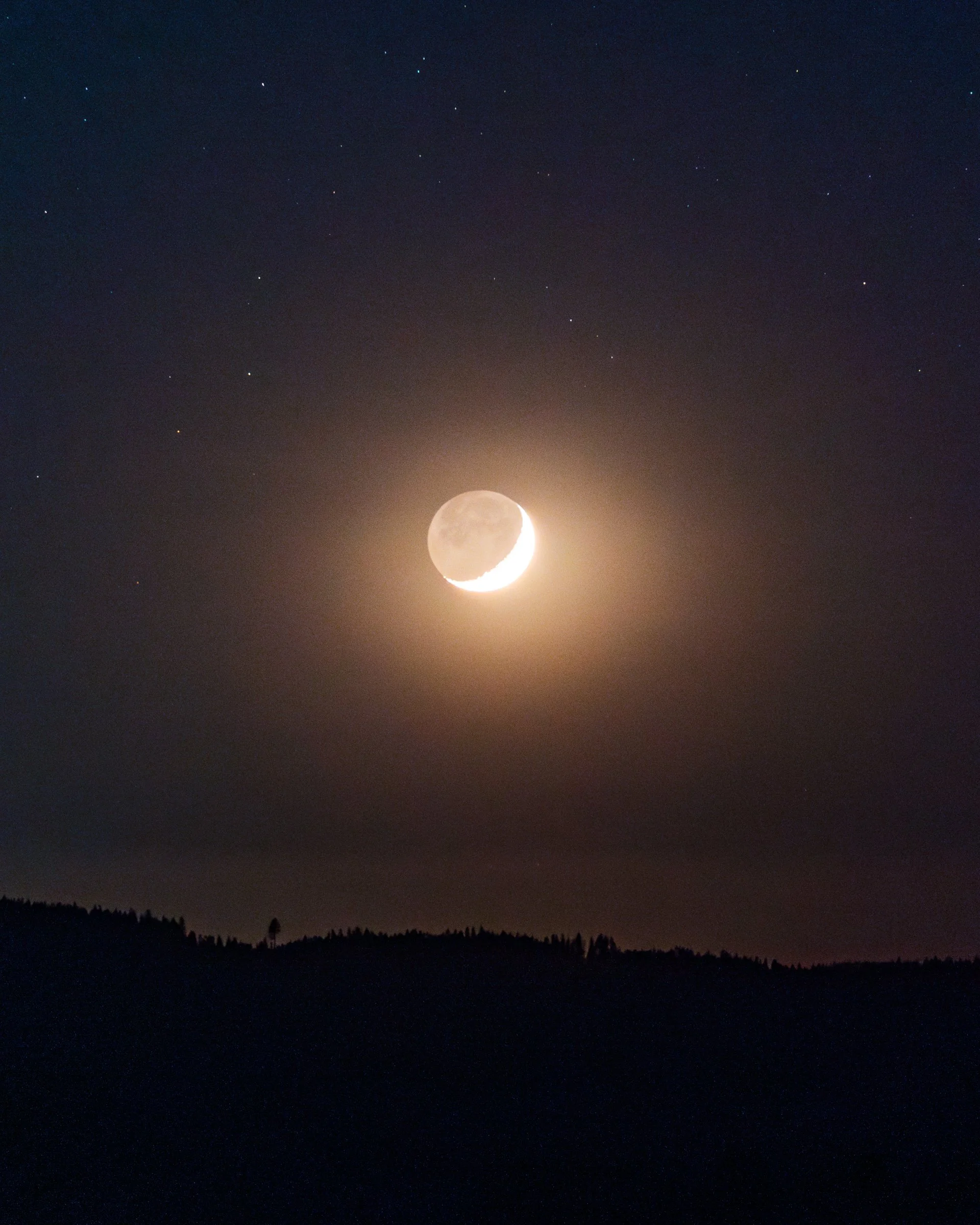
• Flower Moon, Blue Moon, & summer full moons
• Venus & Jupiter evening pairings
• Eta Aquariids & Perseids meteor showers
• Solar & lunar eclipses (August)
September – December
• Harvest through Cold Moons
• Orionid, Taurid, Leonid, & Geminid meteor showers
• Moon occulting Jupiter
• Long, dark winter nights
Less scrolling.
More stargazing.

Authentic landscapes, historic towns, and untamed beauty — captured with heart across Northern California’s Gold Country. Your trusted source for high-quality images, perfect for editorial, commercial, and fine art use.
Follow NCS on FB & IG